
Pick Your Niche
Choose a lane from 50 niches, check that it isn't crowded, and claim it.
Learn to make animated breakdowns, quizzes and cartoon stories with Claude and code. No camera, no editing software and nothing to pay per video.
Every one of these was drawn and animated in code. No AI images, no stock footage, no editing app.
Start blank, pick your hair and outfit, then drop your character into a scene. Claude writes the code for you.
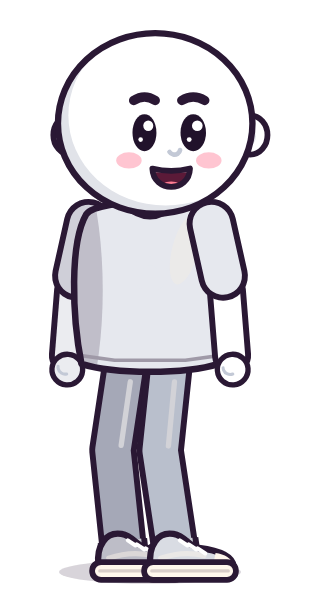 1Start Blank
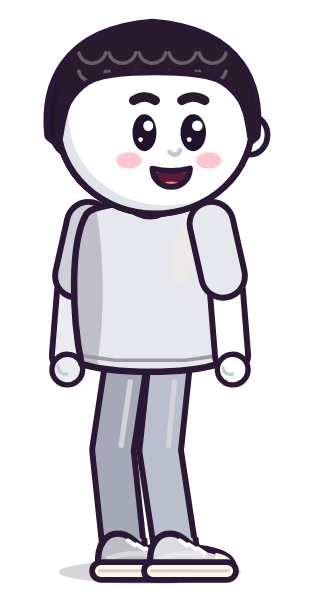 2Pick the Hair
 3Choose an Outfit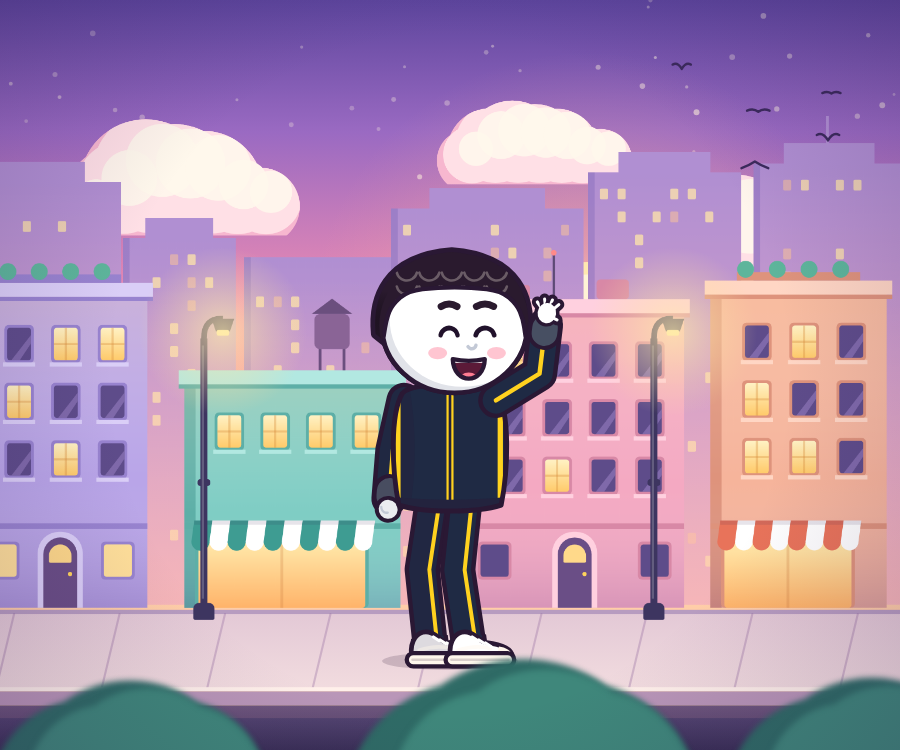

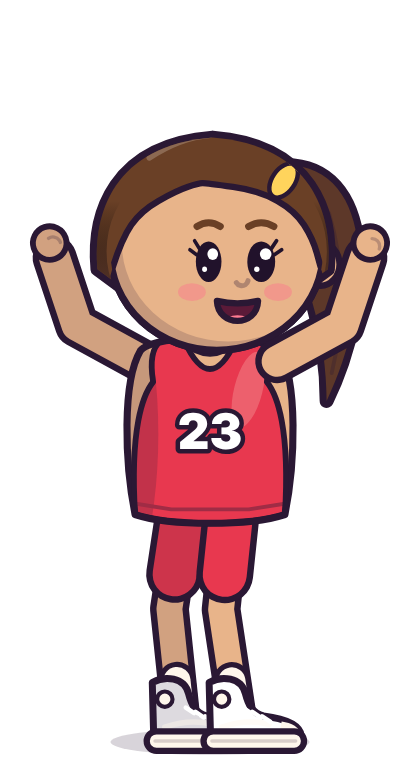





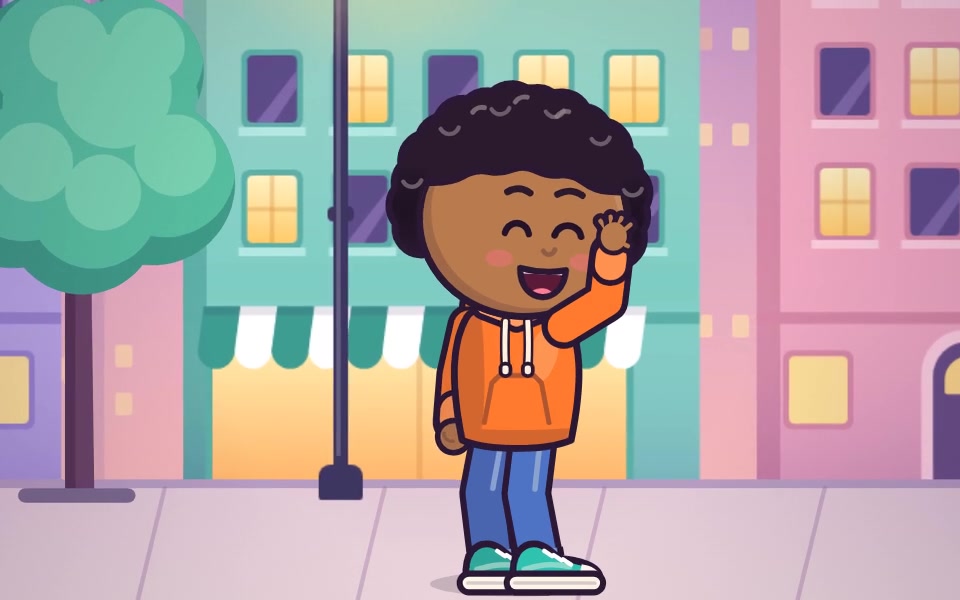
Or Start With the CastEight ready characters you can restyle in seconds.
 2D Cartoon
 3D
3DChoose a lane from 50 niches, check that it isn't crowded, and claim it.
Make your own characters and scenes. Claude writes the code for you.
Render for YouTube, then for Shorts, TikTok and Reels from the same project.
Every frame of it was made in code.
Short video lessons with checklists, from your first render to a channel that earns.
Set up, pick a lane and write videos people finish.
Set up Claude and make your first render.
Choose from 50 niches and set up your channels.
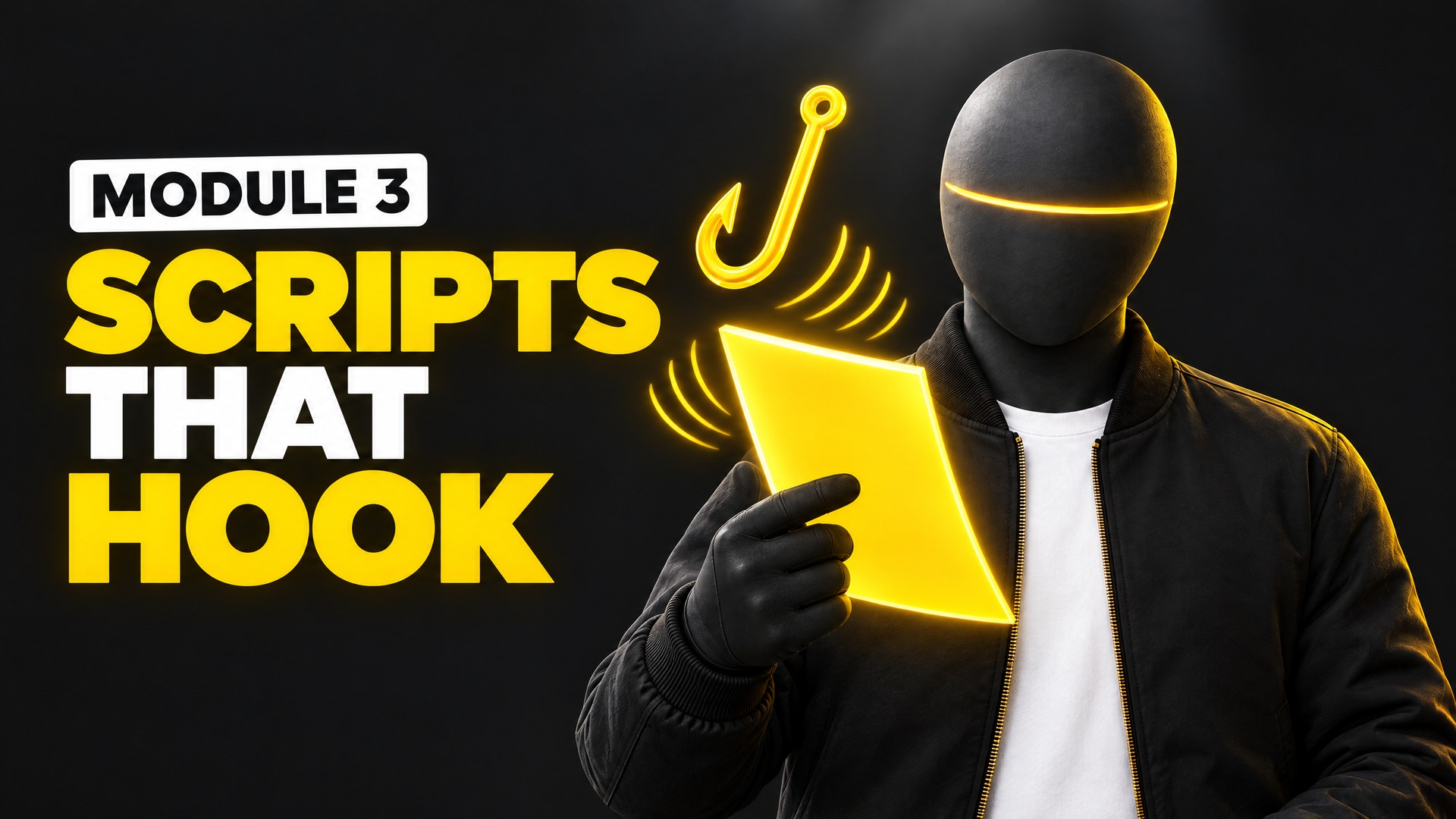
Write openings that make people stay.
Make the characters, scenes, graphics and sound.
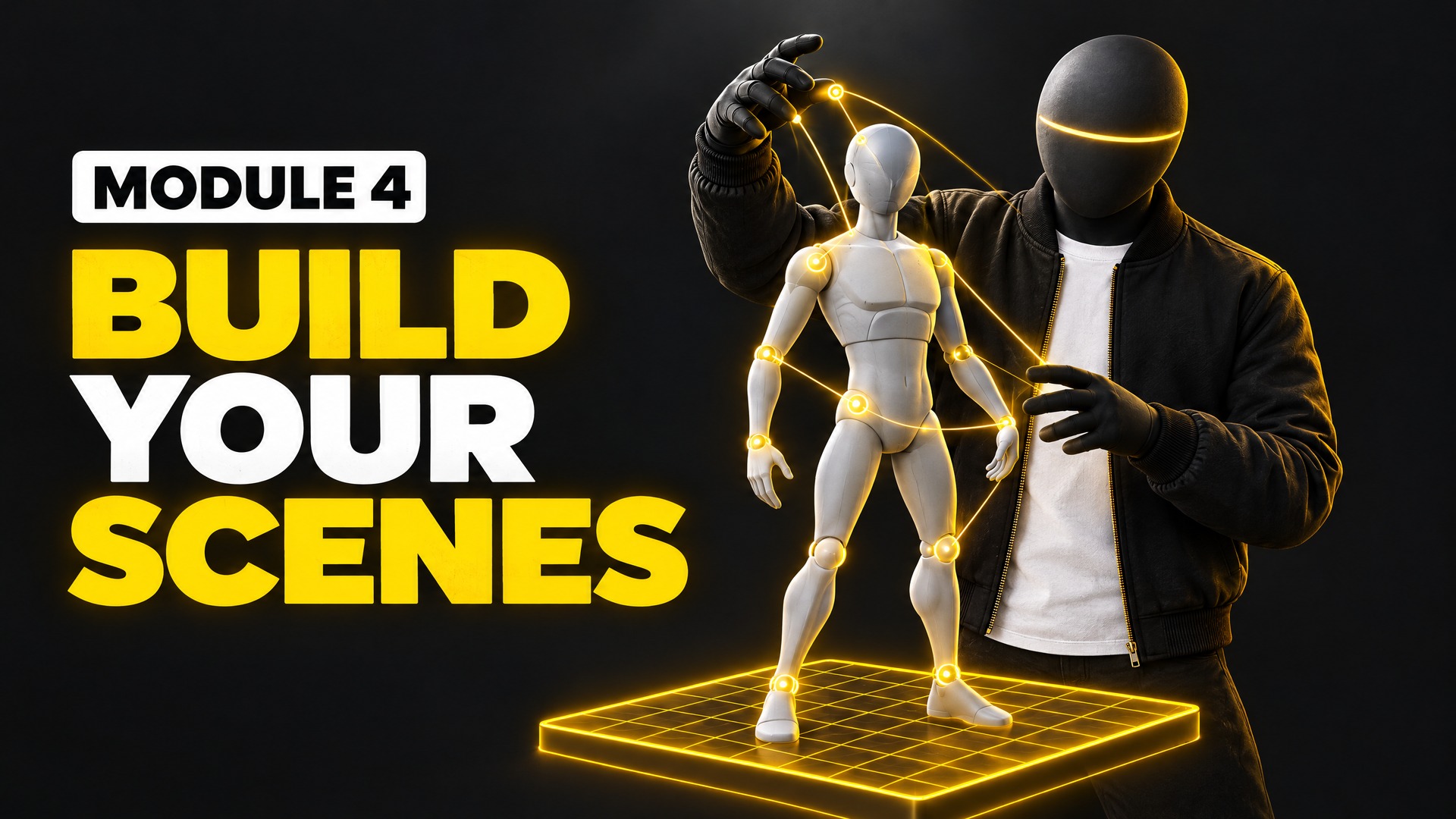
Characters, sets and motion in code.
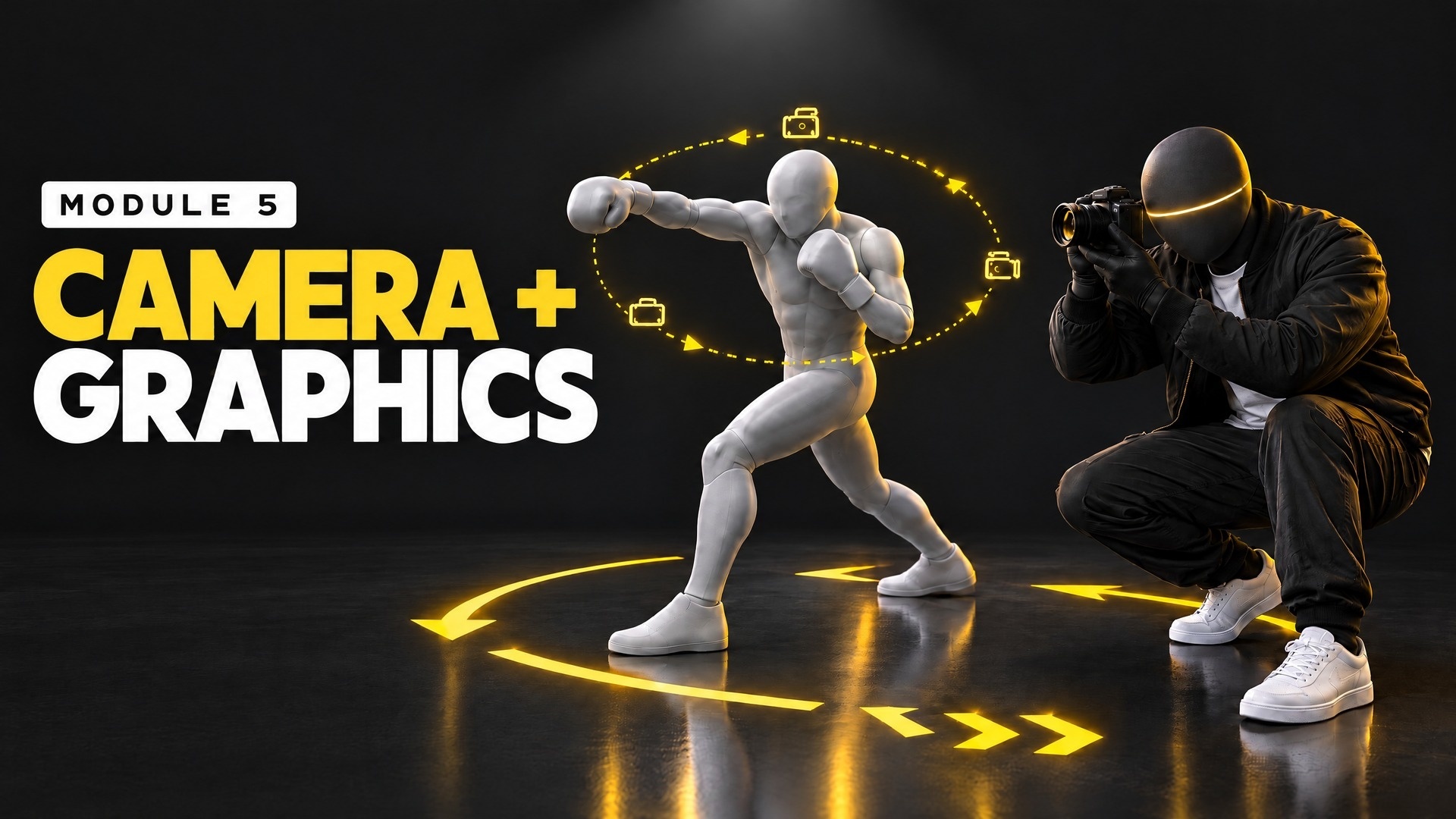
Camera moves, titles and on-screen graphics.
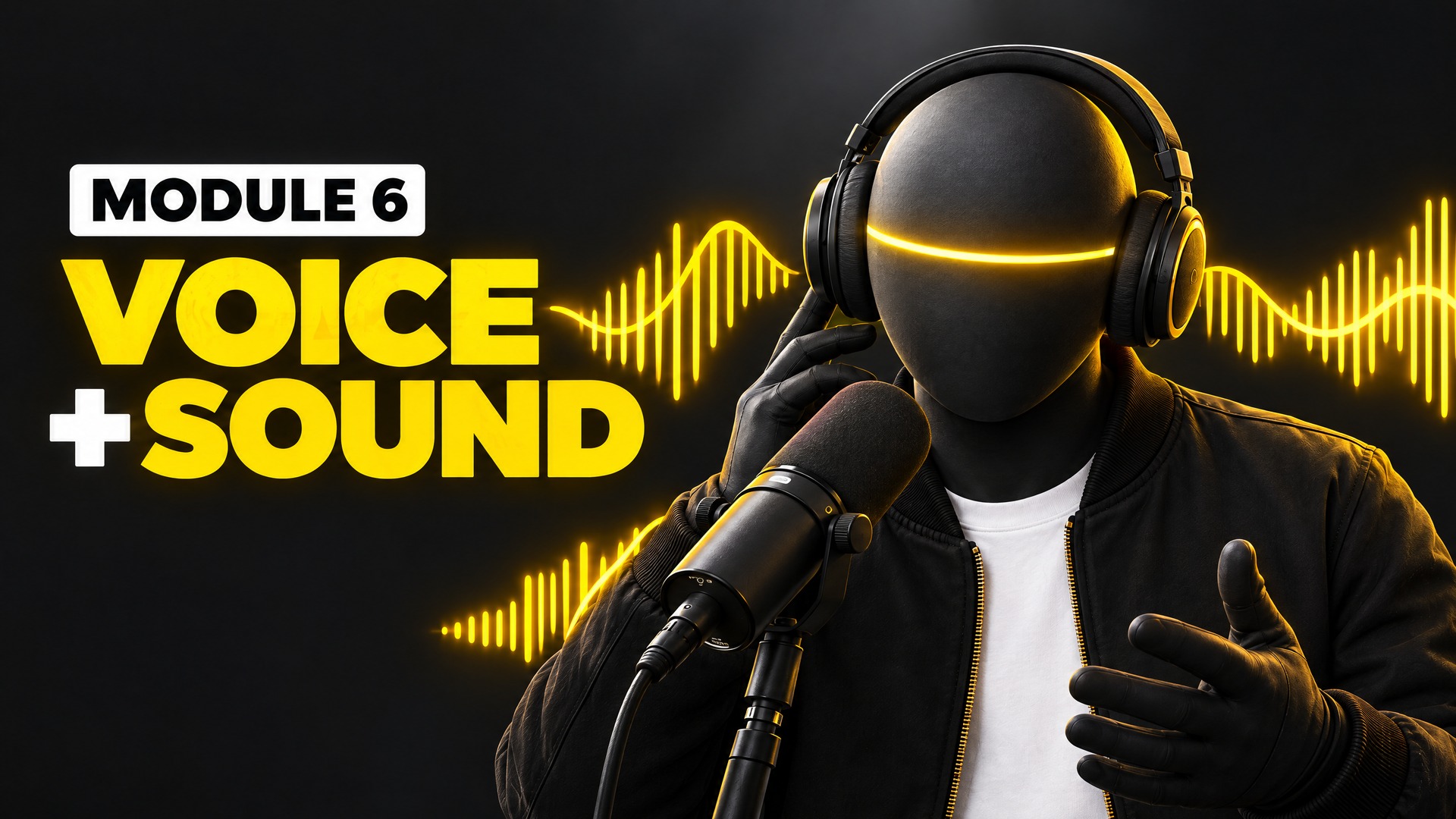
Voiceover, music and sound effects.
Post everywhere, get the click and get paid.
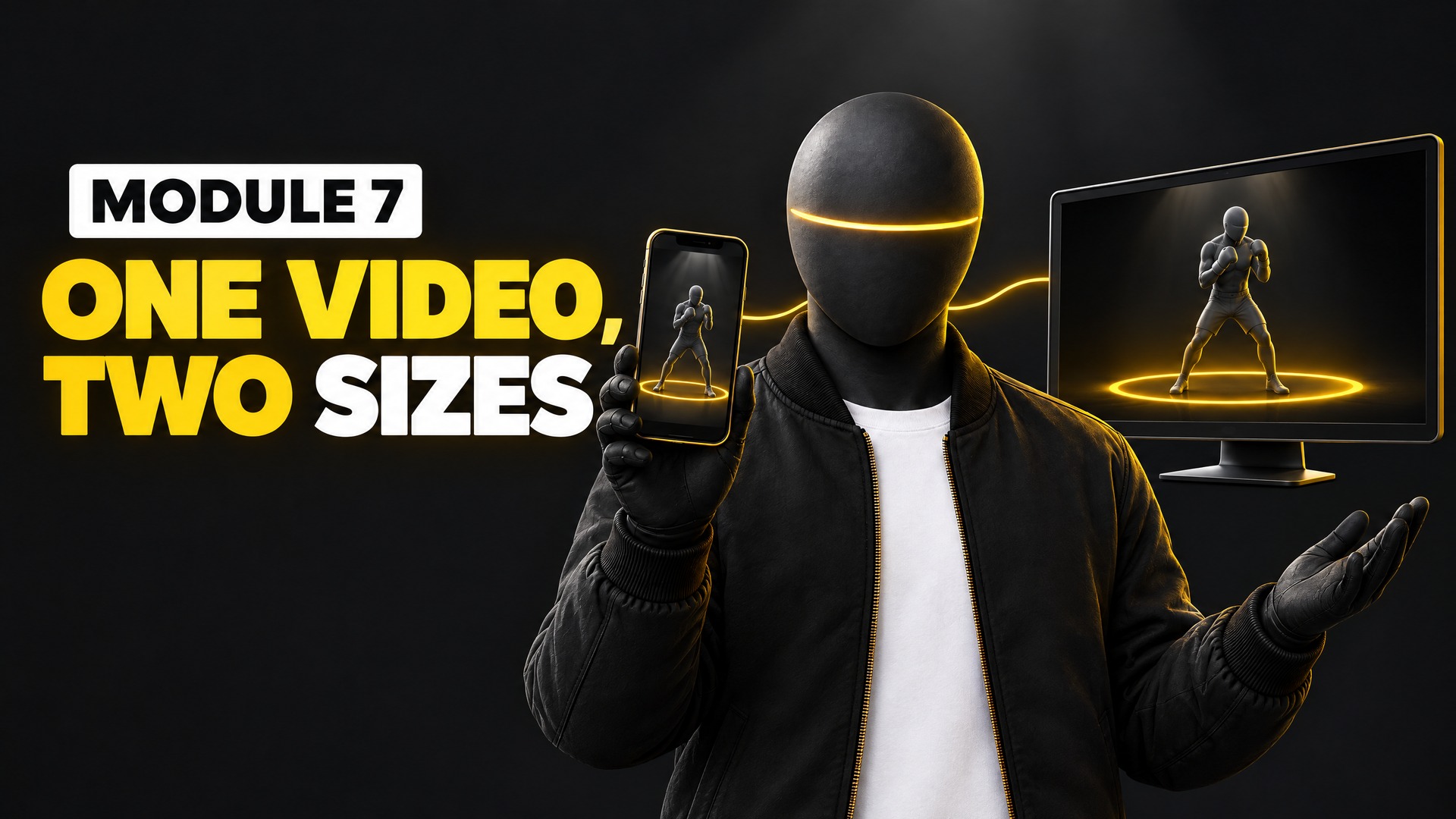
YouTube and Shorts from one project.
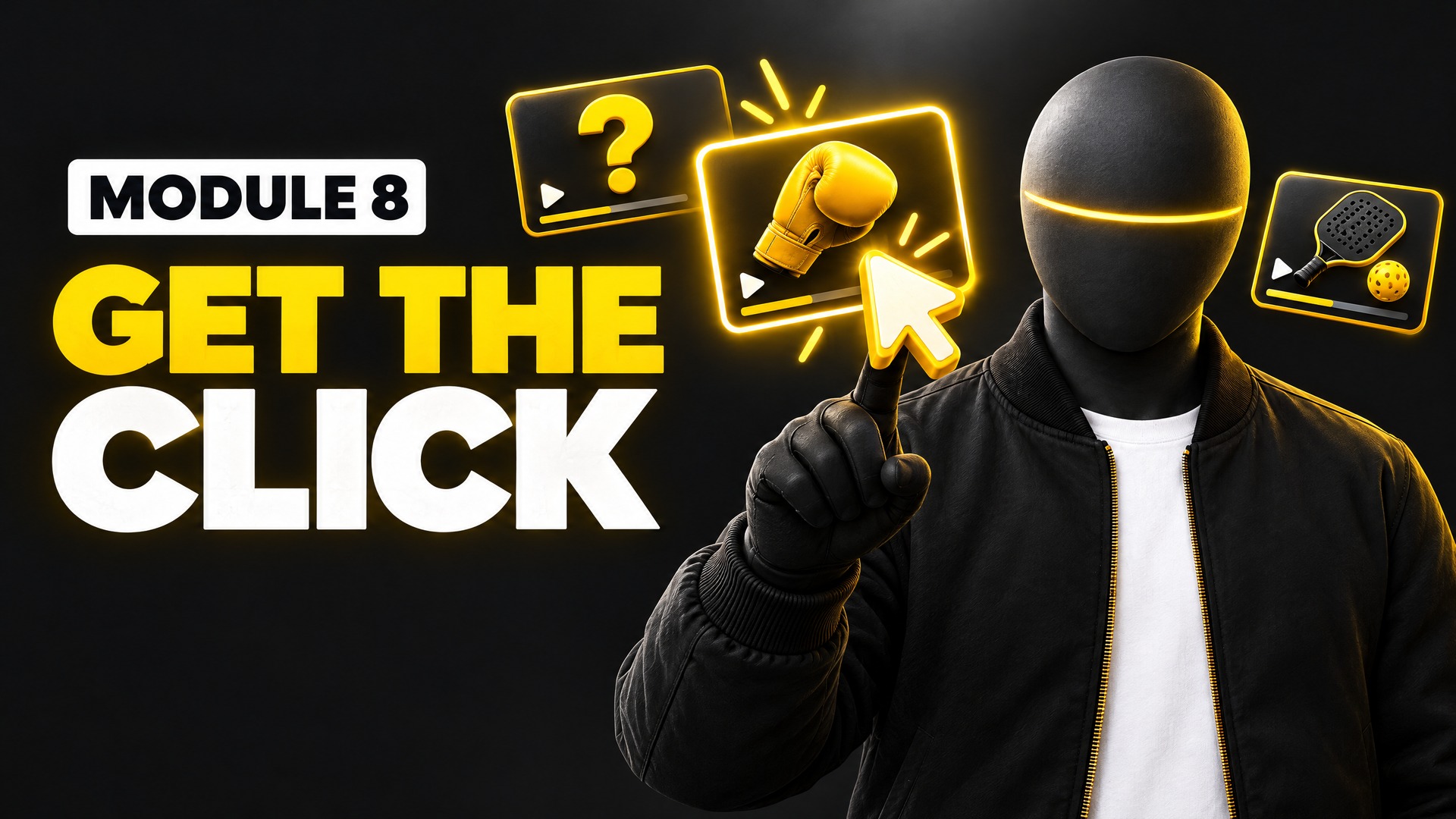
Thumbnails and titles that get opened.

Post on a schedule and start earning.
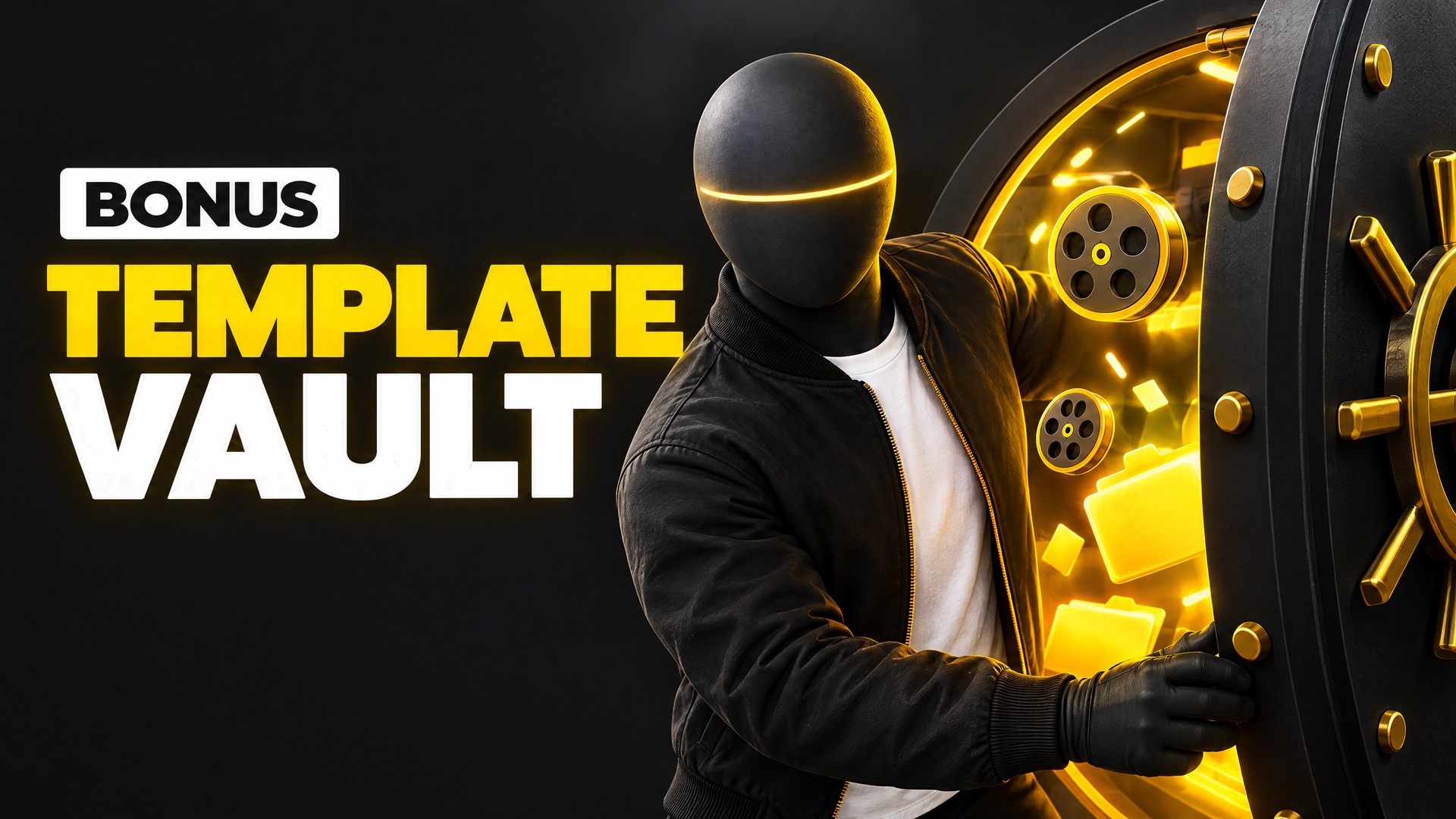
Every template, prompt and project file from the course in one place.
Learn the method, build your characters and post with a community that has your back.
Join the AcademyNo. Claude writes the code. You learn what to ask for, how to check it, and how to fix small things.
Never. Every video is animated, and we show you how to set up a faceless brand on every app.
No. Videos are drawn in code, so there are no credits to buy for each video.
Yes. Cancel from your Membership page. You keep access until the end of the month you paid for.
Use any voice service you like, such as ElevenLabs or Gemini, or record your own. Module 6 shows you how.
A computer, a Claude plan and the Starter Project from Module 1. We walk you through every step.